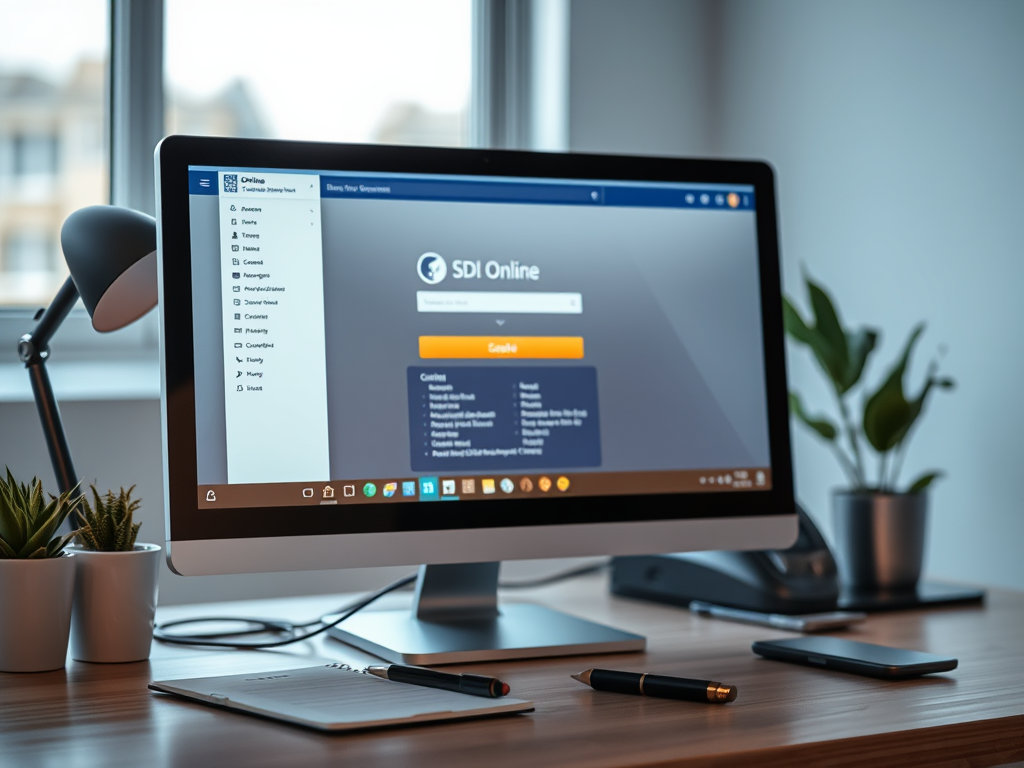
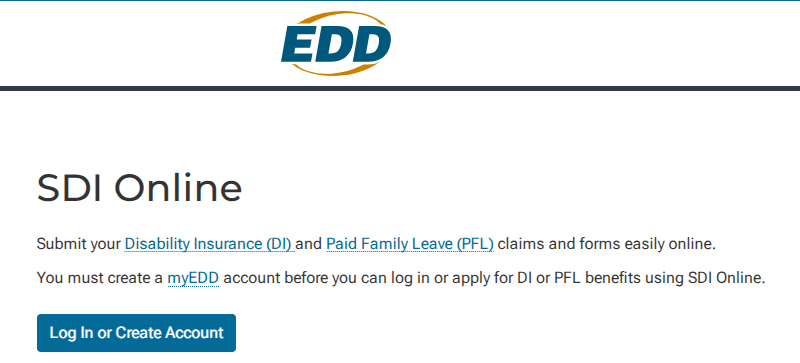
SDI Online is fast, convenient, and secure. Submit your Disability Insurance (DI) and Paid Family Leave (PFL) claims and forms easily online. You need to create a myEDD account first. Only then can you log in or apply for DI or PFL benefits using SDI Online. Using SDI Online to file or manage your claim will:
- Reduce your claim processing time.
- Provide online confirmation of forms you submit.
- Provide access to claim information.
- Include security safeguards to detect and manage fraud and abuse.
Note: It is necessary to send some documents by mail.
Disability Benefits Eligibility Requirements
You may be eligible for Disability benefits if you:
- Can’t do your regular work for at least eight days.
- Have lost wages because of your disability.
- Were you working or looking for work at the time your disability started?
- Earned at least $300 with State Disability Insurance (SDI) taken from your paycheck during your base period.
- Have a physician/practitioner certify your disability.
Note: You do not need to work a minimum number of hours or days to qualify for benefits. You may still qualify for disability if you are working part-time, intermittently, reduced hours, or receiving reduced wages.
Once we receive your completed application and medical certification, it takes about two weeks to process. If you are unsure if you are eligible to receive disability benefits, apply. We will notify you if you meet the eligibility requirements.
How to File a Disability Insurance Claim in SDI Online
If you think you’re eligible for disability benefits, file a claim to apply. The fastest and easiest way to file a DI claim is through SDI Online. Follow these steps to apply online.
Step 1: Gather Required Information
You must provide the following information to file a DI claim using SDI Online:
- Valid California Driver’s License (CDL) or Identification (ID) card number.
- Your full legal name as it appears on your CDL or ID.
- Date of birth as shown on your CDL or ID.
- Social Security number.
- Most current employer’s business name, phone number, and mailing address (as stated on your W-2 or paystub).
- Last date you worked your normal duties (or the date you began working less than full or modified duty).
- You do not have a valid California driver’s license or ID.
- You do not have a valid SSN.
- You have a name that does not fit the space in the online form.
- You had a recent name change.
- You received an error code that you cannot resolve, or have any other difficulty applying online.
You must also give the following information only if it applies to you:
- Any wages you received or expect to receive from your employer include several categories. These categories are sick leave, paid time off (PTO), vacation pay, annual leave, and wages earned after you stopped working.
- Any workers’ compensation claim information.
- If you receive inpatient treatment at an alcohol recovery home, provide the name, address, and phone number of the home. Do the same for a drug-free rehabilitation facility.
Note: The facility must be licensed and certified by the state in which the facility is located.
Step 2: Create your myEDD Account
Before you can use SDI Online, you must first create a myEDD account to connect to EDD benefit services. (To change the language of all pages to Spanish, select Español on the myEDD login page.)
Important: myEDD is available 24 hours per day. Once you create your myEDD account, you are not done. You will receive an email to confirm your account, which includes a link.
Select the link to complete your account set-up. For security purposes, the link will expire within 48 hours. If you don’t get this message in your inbox, check your spam or junk mail folder.
Step 3: Register for SDI Online
To register for SDI Online, follow these steps:
Log in to myEDD, then select SDI Online. You will be directed to your SDI Online Registration Options. Select the customer type that fits you and follow the instructions given.
Important: You will need to complete the identity verification process through ID.me before you can finish setting up a new SDI Online account to file your claim.
Next, fill out the requested information to complete your SDI Online account registration.
You will be assigned an EDD Customer Account Number once you complete the registration process. You will also receive a registration confirmation by email and mail.
Step 4: File Your Claim SDI Online
To file your claim online, follow these steps:
- Log in to your myEDD account.
- Select SDI Online.
- Select New Claim.
- Select Disability Insurance and follow the steps in each section.
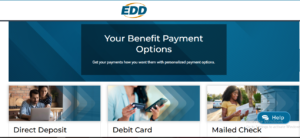
- Choose your payment option when prompted: direct deposit, debit card, or check.
- Submit the completed Part A – Claimant’s Statement.
- Save your receipt number. You must provide this number to your licensed health professional.
You must submit your DI claim within this timeframe:
- Wait nine days after your disability starts to file your claim.
- File your claim within 49 days of your disability start date to avoid disqualification.
Note: We may need to send you some documents by mail, even if you select electronic communications as your preference.
Step 5: Get your licensed health professional to complete the Medical Certification
Your claim has been received. Your licensed health professional can find your claim in SDI Online with your form receipt number.
Your licensed health professional must submit the completed and signed certification form. This must be done no later than 49 days after your disability begins. If this is not done, you may lose benefits.
Discuss with your licensed health professional about their process for submitting a DI claim. Each professional may follow different steps or procedures. Your claim will not be processed until we receive both your part and the medical certification. You must submit your completed claim within this timeframe:
- Wait nine days after your disability starts to file your claim.
- File your claim within 49 days of your disability start date to avoid disqualification.
Do not submit the same claim more than once. This will delay your claim.
What to Expect Once Your SDI Online Claim Is Submitted
Once your licensed health professional submits your medical certification, you have successfully filed your DI claim. We will contact you with the status of your claim, usually within 14 days.
Your employer will be notified that you have submitted a DI claim. However, medical information is confidential and will not be shared with your employer.